Unlocking Creative Potential with the Winter Editable 3D Text Style Effect
In the fast-paced world of digital design, first impressions are everything. Whether you are crafting a holiday marketing campaign, designing a book cover for a winter-themed novel, or updating your social media presence for the colder months, the visual impact of your typography can make or break your project. This is where the Winter Editable 3D Text Style Effect becomes an invaluable asset for creators of all skill levels. By leveraging advanced Photoshop capabilities, this tool allows users to generate stunning, frost-kissed typography without needing to master complex 3D modeling software or spend hours rendering light and shadow manually.
The Essence of Winter Typography in Modern Design
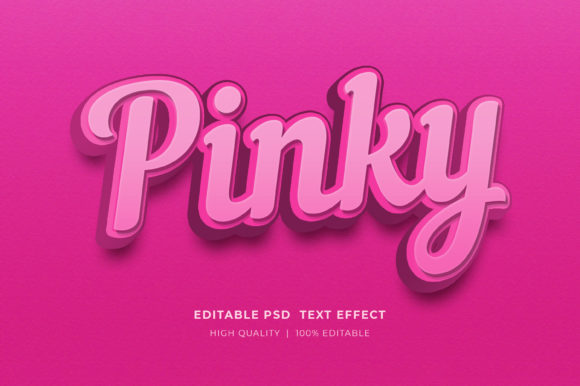
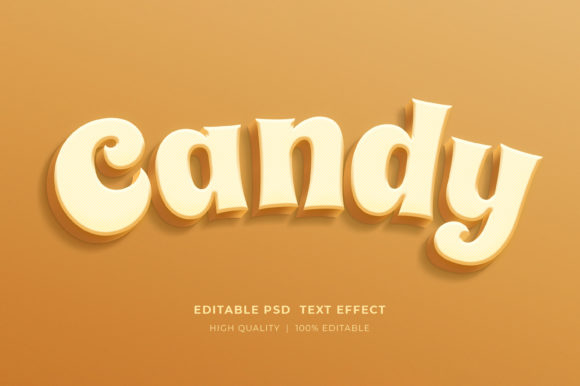
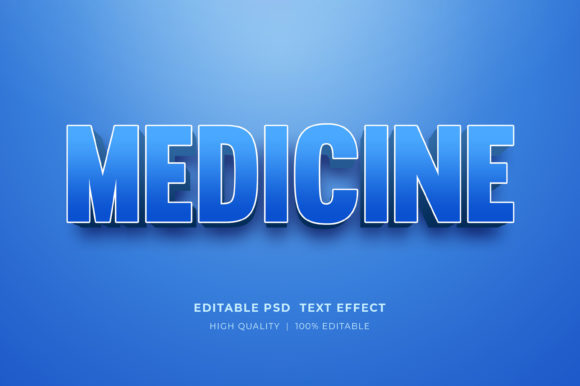
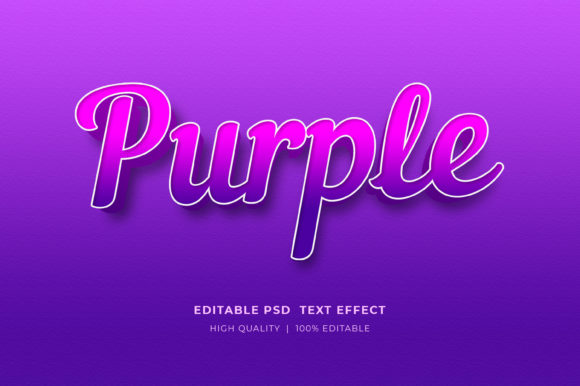
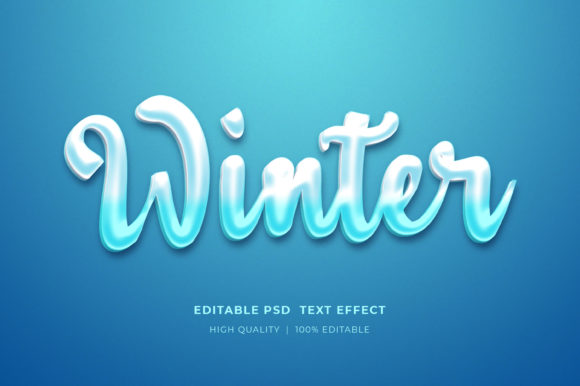
Winter aesthetics evoke a specific set of emotions: crispness, clarity, celebration, and sometimes a touch of magical isolation. Translating these feelings into text requires more than just a blue color overlay; it demands depth, texture, and realistic lighting. The 3D Editable Text Style Effect Mockup is designed specifically to capture this essence. It simulates the look of ice, snow, and frozen surfaces, applying realistic refractions and specular highlights that give flat text a tangible, three-dimensional presence.
For business owners and marketers, understanding the psychological impact of seasonal design is crucial. During the winter season, consumers are drawn to visuals that reflect the environment outside their windows. Using a Winter Editable 3D Text Style Effect in your banners, flyers, or website headers creates an immediate contextual connection with your audience. It signals that your brand is current, attentive to detail, and ready to engage with the seasonal spirit.
Streamlining the Workflow with Smart Objects
One of the most significant barriers to high-quality design is the technical learning curve associated with 3D rendering. Traditionally, creating icy text effects required intricate knowledge of layer styles, blending modes, and potentially external 3D plugins. This mockup simplifies that process dramatically through the use of Smart Objects.
The core functionality relies on a non-destructive editing workflow. When you open the provided PSD file, you aren't just looking at a static image; you are accessing a dynamic template. To change the text, logos, or icons, the process is intuitive:
- Locate the Smart Object: In the Layers panel, identify the designated smart object layer intended for text input.
- Double Click to Edit: Simply double-click on the smart object thumbnail. This action opens a separate tab within Adobe Photoshop containing the source content.
- Input Your Content: Select the Type Tool, click on the existing placeholder text, and type your desired message. You can also replace logos or icons here if the template supports vector imports.
- Save and Update: Once you hit save (Ctrl+S or Cmd+S), the main document automatically updates, applying all the complex winter textures, lighting, and 3D extrusion to your new text instantly.
This "double-click" methodology ensures that even users with limited Photoshop experience can produce professional-grade results. It removes the fear of breaking the design, as the underlying effects remain locked and protected within the smart object structure.
Versatile Applications Across Industries
The utility of the Winter Editable 3D Text Style Effect extends far beyond simple greeting cards. Its high-resolution output and flexible nature make it suitable for a wide array of professional applications. Understanding where and how to deploy this effect can maximize its return on investment for your creative projects.
Marketing and Social Media
In the realm of digital marketing, standing out in a crowded feed is essential. Facebook timelines, Instagram stories, and web banners benefit immensely from the depth provided by 3D text. A winter sale announcement rendered in frosty, glistening letters captures attention more effectively than standard flat design. The effect adds a premium feel to promotional materials, suggesting quality and exclusivity.
Print and Merchandise (POD)
For those involved in Print on Demand (POD) or physical product creation, such as T-Shirt design, the mockup serves as a powerful visualization and production tool. While the final print may require specific color separations depending on the printing method, the mockup provides an accurate preview of how the design will look on a dark or light garment. Furthermore, for KDP (Kindle Direct Publishing) book covers, particularly for genres like fantasy, romance, or thriller set in cold climates, this text style can define the entire mood of the cover art.
Corporate Presentations and Branding
Logo presentations often require a "wow" factor to impress clients or stakeholders. Using a 3D editable text effect allows agencies to showcase a client's logo in a dramatic, environmental context without building a scene from scratch. It is equally effective for internal corporate communications, such as end-of-year reports or winter event invitations, adding a polished, cohesive look to company branding.
Technical Features and File Organization
To ensure a smooth user experience, the Winter Editable 3D Text Style Effect package is engineered with organization and flexibility in mind. The delivery format is a single, comprehensive PSD file, but inside, the structure is meticulously planned.
- Well-Organized Layers: Every element, from background textures to lighting overlays and the text itself, is placed in logically named groups. This makes it easy to toggle visibility, adjust opacity, or isolate specific parts of the effect if minor tweaks are needed beyond the smart object.
- RGB Color Mode: The file is set to RGB color mode, making it ideal for digital screens, web banners, and social media. However, the high-resolution nature of the source files means they can often be converted to CMYK for print purposes, though users should always check color gamuts when moving between color spaces.
- Editable Colors: While the preset offers a classic winter palette, the layer styles are adjustable. Users can shift the hue of the ice, change the color of the ambient light, or alter the shadow tones to match specific brand guidelines.
- High Resolution: Designed for scalability, the mockup supports large-format outputs, ensuring that whether you are printing a billboard or a business card, the edges remain crisp and the textures detailed.
Installation and Accessibility
Accessing these creative tools is straightforward, but it requires a basic understanding of file management. The files are delivered in a compressed Zipped format to reduce download size and protect the integrity of the data during transfer. To get started:
- Download the zip folder to your local drive.
- Right-click on the folder icon.
- Select "Extract Here" (or "Extract All" depending on your operating system).
- Open the extracted PSD file using Adobe Photoshop.
It is important to note that this is a working file for Adobe Photoshop. While other image editors may open PSD files, the smart object functionality and specific layer styles are optimized for the Adobe ecosystem. Ensuring you have a compatible version of Photoshop installed is the only prerequisite for unlocking the full potential of this tool.
Evaluating Suitability for Your Projects
Before integrating the Winter Editable 3D Text Style Effect into your workflow, consider the specific needs of your project. This effect shines brightest when the goal is to evoke cold, crisp, or festive atmospheres. It is less suitable for projects requiring warm, organic, or minimalist flat design aesthetics unless used ironically or as a contrasting element.
Strengths: The primary strength lies in speed and consistency. You can generate ten different variations of a headline in minutes, allowing for rapid A/B testing of ad copy or design concepts. The realism of the lighting and texture saves hours of manual painting and shading.
Considerations: Because the effect is highly stylized, it can dominate a composition. When using it for body text or information-heavy layouts, ensure there is sufficient contrast and whitespace so readability is not compromised by the intricate 3D details. It is best reserved for headlines, logos, and short call-to-action phrases.
Conclusion: Elevating Your Creative Output
The Winter Editable 3D Text Style Effect represents a convergence of artistic vision and technical efficiency. It empowers general consumers, professionals, and business owners to elevate their visual communication without the need for specialized 3D training. By providing a robust, easy-to-edit framework, it allows creators to focus on the message rather than the mechanics of the medium.
Whether you are designing a T-shirt for a ski resort, a flyer for a holiday party, or a web banner for a winter clearance sale, this tool offers the fidelity and flexibility required to succeed. As with any creative resource, the value you derive from it depends on how thoughtfully you apply it. Experiment with different fonts, adjust the colors to match your brand, and explore the various layers to make the effect truly your own.
If you encounter any difficulties while extracting the files or editing the smart objects, support is available through the creator's profile page. Your feedback and ratings play a vital role in the continuous improvement of these design resources, inspiring creators to develop even more innovative tools for the community. Embrace the chill, add some depth to your designs, and let the winter aesthetic transform your next project.