Mastering Visual Impact with the Ramadan Editable 3D Text Style Effect
In the realm of digital design, particularly when preparing for significant cultural events like Ramadan, the quality of typography can dictate the success of a campaign. The Ramadan Editable 3D Text Style Effect represents a specialized resource designed to bridge the gap between complex 3D rendering and accessible graphic design. Unlike standard flat text overlays or pre-rendered images that lock users into a specific message, this effect utilizes advanced smart object technology within Adobe Photoshop. This approach allows designers to maintain high-fidelity lighting, texture, and depth while retaining the flexibility to change the copy instantly. For professionals and hobbyists alike, understanding the mechanics and appropriate applications of this tool is essential for creating compelling visual assets without the steep learning curve of dedicated 3D modeling software.
Defining the Core Mechanics and Distinctiveness
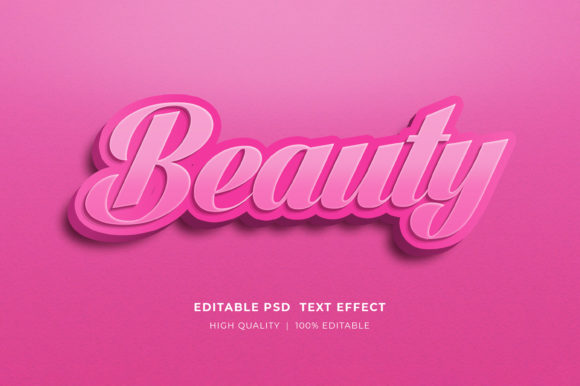
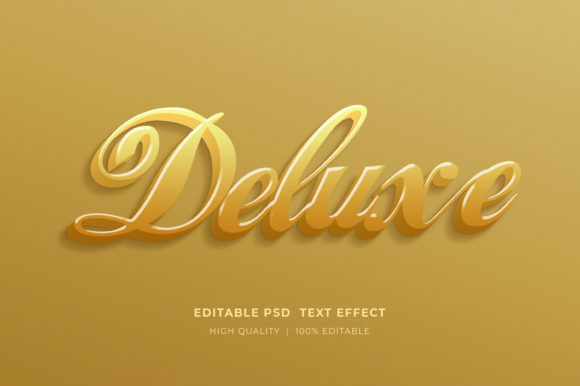
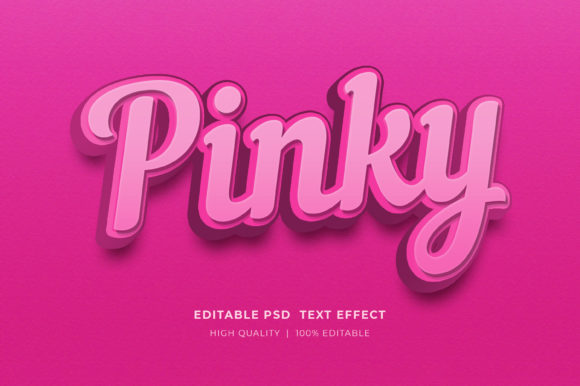
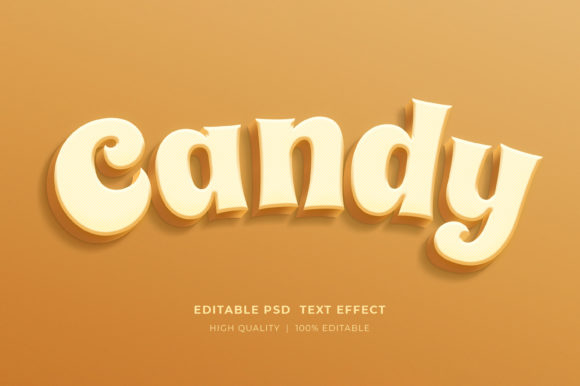
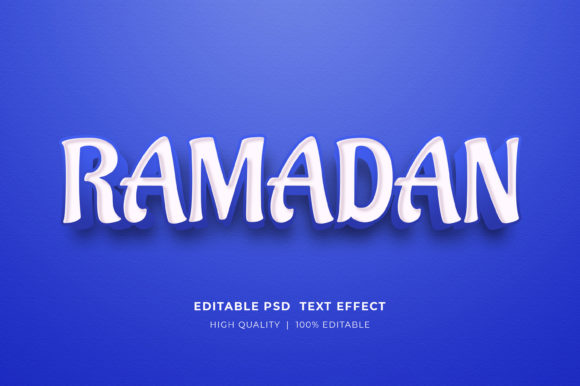
At its heart, the Ramadan Editable 3D Text Style Effect is a sophisticated layering system built on PSD (Photoshop Document) files. What sets this apart from generic text styles is the integration of "Smart Objects." In traditional design workflows, achieving a realistic 3D look often requires manual extrusion, lighting setup, and texture mapping—a process that can take hours per variation. This resource condenses that workflow into a few clicks. By double-clicking the smart object layer, a separate tab opens where the user can utilize the type tool to input desired text. Upon saving, the main document automatically updates, applying the complex 3D rendering, shadows, and golden or metallic textures characteristic of Ramadan aesthetics to the new text.
The distinctiveness of this effect lies in its balance between aesthetic richness and functional utility. Ramadan-themed designs often rely on specific color palettes—golds, deep blues, emerald greens, and warm ambient lighting—to evoke a sense of spirituality and celebration. A static image cannot adapt to different greetings such as "Ramadan Kareem," "Eid Mubarak," or specific event dates. This editable format ensures that the intricate lighting calculations and material properties remain consistent regardless of the character count or font choice, provided the font supports the necessary glyphs. This makes it a superior choice for dynamic projects where multiple variations are needed quickly.
Comparative Analysis: Smart Object Effects vs. Traditional Methods
When evaluating design resources, it is crucial to compare the Ramadan Editable 3D Text Style Effect against other available methods to determine the best fit for a specific project.
- Vs. Pre-Rendered PNGs: Standard downloadable images offer immediate use but zero flexibility. If a client changes their mind about the wording, the entire asset becomes useless. The editable PSD format eliminates this waste, offering long-term value despite a slightly higher initial setup time.
- Vs. Native Photoshop 3D Tools: While Photoshop has built-in 3D capabilities, they can be resource-intensive and difficult to master for realistic results. Achieving the specific "golden hour" glow often associated with Ramadan requires precise material settings. This pre-configured effect bypasses the technical trial-and-error, providing a polished result that mimics professional cinema-grade rendering.
- Vs. Online Generators: Web-based text generators are convenient but often lack high-resolution output and fine-tuned control over lighting angles or color grading. The PSD file offers full layer access, allowing designers to tweak background elements, add overlays, or adjust color balances to match brand guidelines strictly.
The trade-off here is software dependency. To utilize this effect, one must have access to Adobe Photoshop. For users relying solely on free or mobile-first tools, this format may present a barrier. However, for those already embedded in the Adobe ecosystem, the efficiency gain is substantial.
Practical Applications Across Media Formats
The versatility of the 3D Editable Text Style Effect Mockup extends far beyond simple social media posts. Its high-resolution nature and organized layer structure make it suitable for a wide array of professional outputs.
Digital Marketing and Social Media
For Facebook timelines, Instagram stories, and web banners, visual hierarchy is key. The 3D depth provided by this effect helps text pop against busy backgrounds, ensuring readability on small screens. Marketers can rapidly generate a series of countdown graphics for the holy month, maintaining a consistent brand voice while updating the daily message. The RGB color mode ensures vibrant display on all digital devices.
Print and Merchandise (POD/KDP)
Perhaps the most valuable application is in Print on Demand (POD) and Kindle Direct Publishing (KDP). Designers creating T-shirts, mugs, or book covers require files that can scale without pixelation. Since these effects are vector-based within the smart object or high-resolution raster, they hold up well in print scenarios. A designer can create a cohesive collection of Ramadan-themed merchandise, swapping out phrases like "Fasting Month" or "Night of Power" effortlessly. The well-organized layers allow for easy separation of text from background elements, facilitating clean placement on various product mockups.
Corporate and Event Branding
For corporate Iftar invitations or community event flyers, professionalism is paramount. The ability to edit logos and icons alongside the text means that organizations can integrate their branding seamlessly. Instead of pasting a flat logo over a 3D scene, users can place their logo within the smart object environment, ensuring it interacts with the same light sources and shadows as the text, creating a unified and premium look.
Technical Workflow and File Management
Understanding how to properly access and manipulate these files is critical for a smooth workflow. The resources typically come in a compressed ZIP format. Users must extract the folder before attempting to open any files; trying to edit directly from the archive can lead to data corruption or save errors. Once extracted, the process is straightforward:
- Open the main PSD file in Adobe Photoshop.
- Locate the layer designated as the Smart Object (often indicated by a small icon on the layer thumbnail).
- Double-click the thumbnail to open the embedded document in a new tab.
- Select the Type Tool, highlight the existing placeholder text, and type the desired content.
- Save the smart object file (Ctrl+S or Cmd+S).
- Return to the main document to see the updated 3D effect applied instantly.
This non-destructive editing workflow ensures that the original styling remains intact. Furthermore, because the files are well-organized, users can easily toggle visibility on adjustment layers to change the overall color tone—from a warm gold to a cool silver—without breaking the 3D illusion.
Decision Factors: When to Choose This Resource
Deciding whether the Ramadan Editable 3D Text Style Effect is the right tool depends on the project's scope and the designer's skill level. This resource is ideal for individuals who need high-quality, professional-looking 3D typography but lack the time or expertise to model it from scratch. It is particularly beneficial for freelancers managing multiple clients during the busy Ramadan season, where turnaround time is critical.
However, there are limitations to consider. If a project requires a completely unique shape or an animation sequence that goes beyond simple text swapping, a dedicated 3D suite like Blender or Cinema 4D might be necessary. Additionally, users must ensure they have a legitimate version of Photoshop, as compatibility issues can arise with older versions that do not support newer smart object features.
Ultimately, this tool serves as a powerful accelerator. It democratizes access to high-end visual effects, allowing creators to focus on composition and messaging rather than technical rendering hurdles. Whether for a personal greeting card, a major marketing campaign, or a line of seasonal merchandise, the ability to edit text and elements dynamically provides a strategic advantage in a fast-paced design environment.
For those encountering difficulties with extraction or editing, reaching out to the creator through their profile page is recommended, as support can clarify specific version compatibilities. By leveraging these tools effectively, designers can produce work that resonates deeply with audiences during this significant cultural period, combining technical precision with artistic flair.