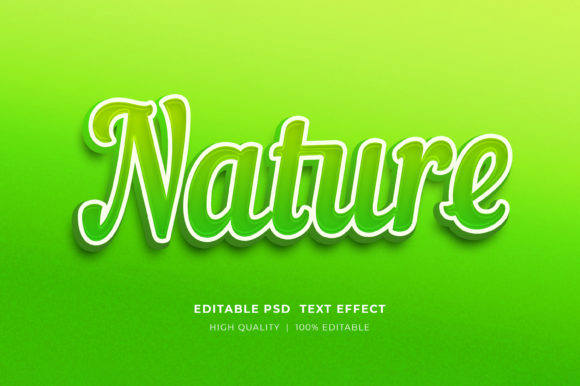
Nature Editable 3D Text Style Effect: A Practical Guide for Designers
In the evolving landscape of digital design, the demand for high-quality, realistic textures continues to grow. Among the various tools available to graphic designers, the Nature Editable 3D Text Style Effect stands out as a specialized resource for creating organic, earth-inspired typography. This asset is essentially a pre-configured Adobe Photoshop file that allows users to apply complex three-dimensional rendering and natural textures to text with minimal effort. For professionals and hobbyists alike, understanding the utility, limitations, and workflow of such tools is essential before integrating them into a broader design strategy.
Understanding the Asset and Its Core Functionality
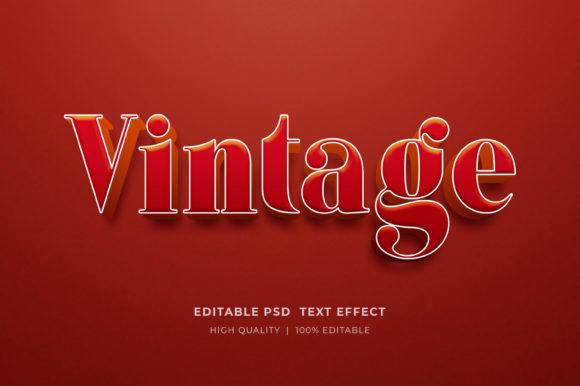
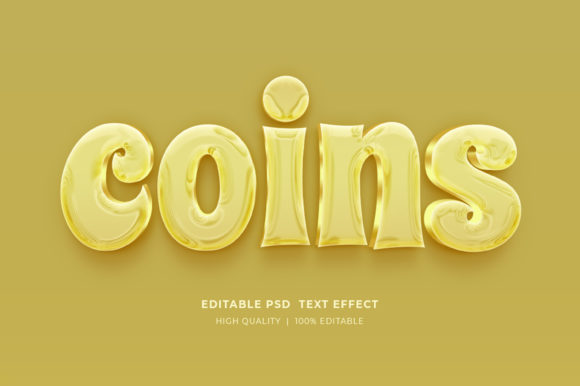
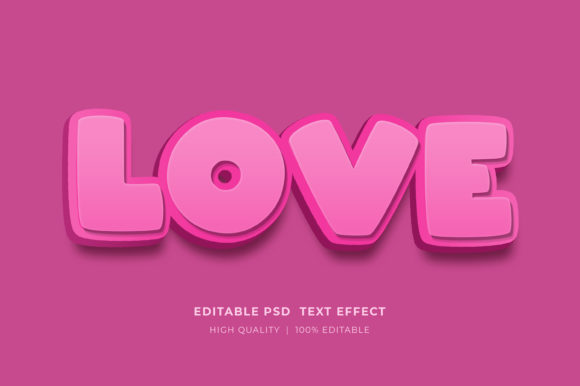
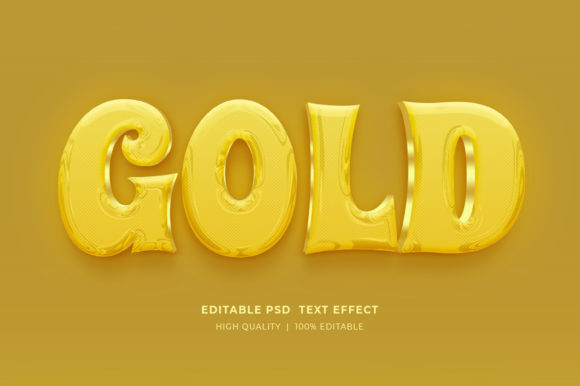
The Nature Editable 3D Text Style Effect is distributed as a PSD (Photoshop Document) file. Unlike standard fonts or flat vector graphics, this file utilizes advanced layer styles and smart objects to simulate depth, lighting, and material properties found in nature, such as wood grain, stone, moss, or leafy patterns. The primary mechanism behind its ease of use is the "Smart Object" technology embedded within the file structure.
When a user opens the file, they are presented with a specific layer designated for text input. By double-clicking the smart object icon, a separate tab opens within the software interface. Here, the designer can select the type tool, replace the placeholder text with their desired content, and save the changes. Upon returning to the main document, the new text automatically inherits the complex 3D styling, shadows, highlights, and texture maps defined by the original creator. This process eliminates the need for manual layer styling, which can be time-consuming and technically demanding for those less familiar with advanced Photoshop techniques.
Why Choose a Nature-Inspired 3D Effect?
Designers often seek out specific aesthetic themes to align with a brand's identity or a project's message. The choice to utilize a nature-themed 3D effect is rarely arbitrary; it is usually driven by the need to convey specific psychological associations. Organic textures evoke feelings of sustainability, growth, stability, and authenticity. Consequently, this style is particularly effective for industries such as eco-tourism, organic food products, outdoor recreation gear, and environmental non-profits.
Furthermore, the three-dimensional aspect adds a tactile quality to digital media. In an era where screens are ubiquitous, designs that mimic physical materials can capture attention more effectively than flat design alone. The interplay of light and shadow in a 3D mockup creates visual hierarchy, making headlines pop against backgrounds. For projects requiring a strong visual impact without the budget for custom 3D modeling software like Blender or Cinema 4D, a pre-made Photoshop effect offers a pragmatic middle ground.
Practical Applications Across Media
The versatility of the 3D Editable Text Style Effect Mockup allows it to be deployed across a wide spectrum of media formats. Because the file is typically provided in high resolution and RGB color mode, it is suitable for both digital and print applications, though some adjustments may be necessary for professional printing.
- Digital Marketing: The effect is highly effective for social media assets, including Facebook timelines, Instagram posts, and web banners. The textured look helps ads stand out in crowded feeds.
- Print Collateral: With high-resolution settings, these effects can be used for flyers, posters, and brochures where a premium, textured feel is desired.
- Merchandise and POD: For Print on Demand (POD) services and T-shirt designs, the ability to quickly visualize how text looks with a specific texture is invaluable. It allows sellers to create varied product listings rapidly.
- Publishing: KDP (Kindle Direct Publishing) book covers often benefit from bold, textured typography that hints at the genre, particularly for fiction involving survival, history, or nature.
- Presentations: Logo presentations and corporate decks can utilize these styles to add depth to title slides without cluttering the layout.
Workflow and Technical Considerations
Integrating this tool into a workflow requires a basic understanding of file management and Adobe Photoshop. The files are typically delivered in a compressed ZIP format. Before any editing can occur, the user must extract the contents. This is done by right-clicking the folder and selecting "Extract Here" or using a dedicated decompression utility. Attempting to edit the file while it remains zipped will result in errors or an inability to save changes.
Once extracted, the organization of layers becomes critical. High-quality assets feature well-organized layer groups, allowing users to toggle visibility, adjust background elements, or modify color overlays independently of the text. While the text itself is editable via smart objects, many of these packs also allow for color customization. Users can often click on color fill layers to shift the hue of the nature texture—for example, changing a summer green moss to an autumnal brown—providing further flexibility without breaking the 3D illusion.
Evaluating the Tradeoffs
While the benefits of speed and aesthetic quality are clear, there are tradeoffs to consider. The primary limitation is dependency on the specific style created by the author. If a project requires a very specific type of bark or leaf pattern that differs significantly from the provided texture, the user may find themselves constrained. In such cases, creating a custom texture from scratch or using a procedural generation tool might yield better results, albeit with a steeper learning curve.
Additionally, because these effects rely heavily on raster-based layer styles, scaling the text infinitely without loss of quality can sometimes be challenging compared to pure vector workflows. However, if the initial file is created at a sufficiently high resolution (e.g., 300 DPI at large dimensions), this is rarely an issue for standard marketing materials.
Making the Decision: Is This Tool Right for Your Project?
Deciding whether to utilize the Nature Editable 3D Text Style Effect comes down to a balance of time, budget, and artistic direction. If your goal is to produce professional-grade, textured typography quickly for a client presentation or a marketing campaign, this tool is a strong fit. It bridges the gap between amateur design and high-end compositing.
However, if your project demands absolute uniqueness in texture detail or requires animation capabilities that go beyond static images, you may need to explore alternative methods such as custom 3D modeling or video motion graphics. For most static design needs—ranging from website elements to T-shirt graphics—the efficiency gained by using a smart object-based mockup outweighs the minor limitations in customization.
Ultimately, resources like these empower designers to focus more on composition and messaging rather than getting bogged down in technical execution. By leveraging well-organized, editable assets, creators can iterate faster and deliver visually compelling work that resonates with audiences seeking connection to the natural world.