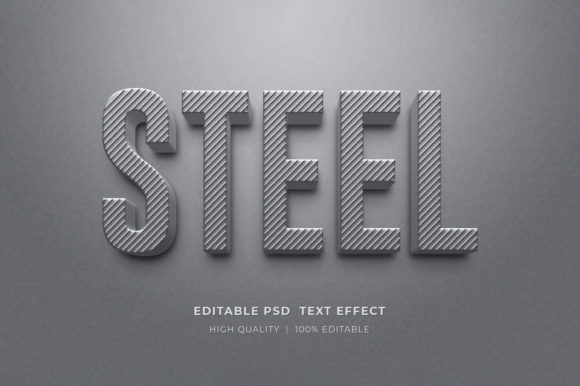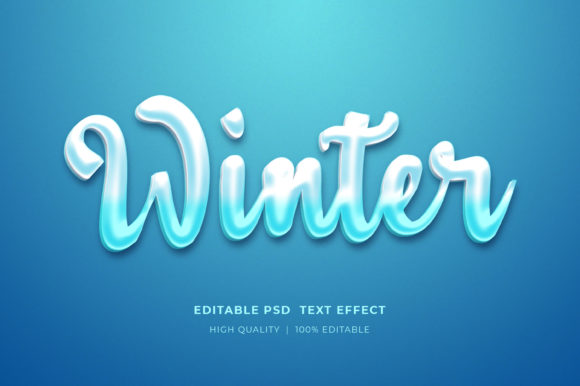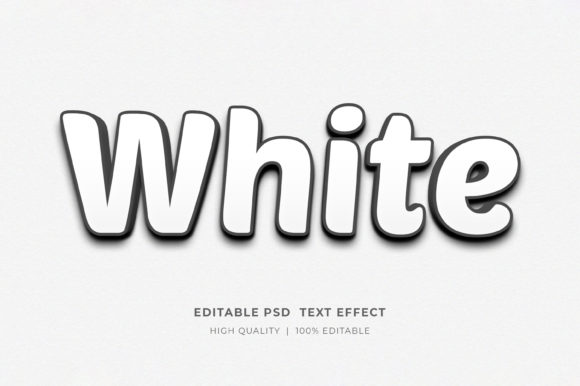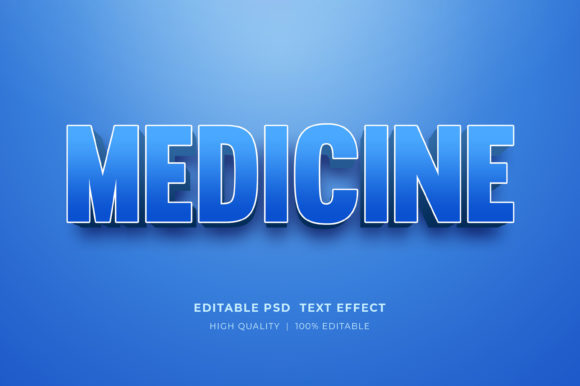
Evaluating the Kids 3D Editable Style Text Effect for Creative Projects
In the realm of digital design, particularly when targeting younger audiences or creating playful branding, the visual impact of typography cannot be overstated. Designers and content creators often face the challenge of balancing high-quality aesthetics with efficient workflow management. This is where specialized resources like the Kids 3D Editable Style Text Effect come into play. Unlike standard flat fonts or complex manual 3D modeling processes, this specific style offers a pre-rendered, volumetric look that mimics toys, cartoons, or candy-like textures, all while maintaining full editability within Adobe Photoshop. Understanding the nuances of this tool, how it compares to other design approaches, and where it fits best in a professional workflow is essential for making an informed decision about your next project.
Defining the Kids 3D Editable Style Text Effect
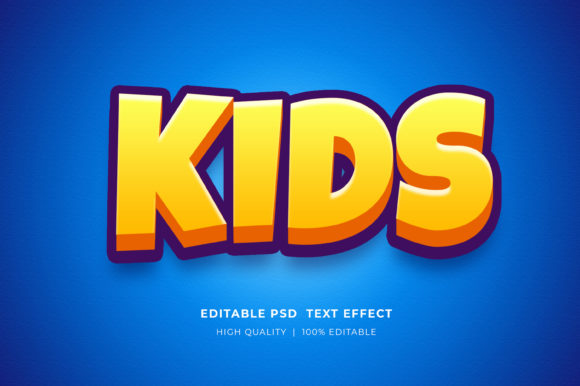
The Kids 3D Editable Style Text Effect is not merely a font; it is a comprehensive layer style or smart object template designed to transform standard text into a three-dimensional, vibrant element instantly. What makes this effect distinct is its ability to simulate depth, lighting, and texture without requiring the user to possess advanced knowledge of 3D software like Blender or Cinema 4D. The "Kids" aspect refers to the specific aesthetic—often characterized by rounded edges, bright colors, soft shadows, and a bouncy feel that appeals to children and evokes nostalgia.
Technically, these effects are usually delivered as PSD (Photoshop Document) files utilizing Smart Objects. This architecture is crucial because it separates the visual styling from the content. When a user double-clicks the smart object layer, a new tab opens containing the source text. By using the Type Tool to replace the placeholder text and saving the file, the main document automatically updates with the new characters while retaining all the complex lighting, bevels, and color gradients defined in the original effect. This non-destructive workflow is a significant advantage over rasterized images, which cannot be altered once saved.
Comparison with Alternative Design Approaches
When evaluating whether to use a Kids 3D Editable Style Text Effect mockup versus other methods, it is helpful to consider the trade-offs in time, skill requirement, and flexibility.
- Manual 3D Modeling: Creating 3D text from scratch in dedicated 3D software offers unlimited freedom regarding shape and camera angles. However, the learning curve is steep, and render times can be long. For a simple logo or flyer header, this approach is often overkill. The editable text effect provides 90% of the visual quality in a fraction of the time.
- Standard Layer Styles: Experienced Photoshop users can create 3D looks using built-in Layer Styles (Bevel, Emboss, Drop Shadow). While flexible, achieving a polished, professional "kids" look consistently across different letters requires meticulous tweaking of light sources and material properties. Pre-made effects ensure consistency and often include hand-crafted textures that are difficult to replicate quickly.
- Flat Vector Graphics: Vector tools like Illustrator are excellent for scalability but lack inherent depth. Adding 3D effects in vector programs can sometimes result in a sterile or overly geometric look. The raster-based nature of these Photoshop mockups allows for softer, more organic lighting and texture details that vectors struggle to emulate naturally.
The primary limitation of the Kids 3D Editable Style Text Effect compared to true 3D modeling is the fixed camera angle and lighting setup. If a project requires the text to rotate dynamically or interact with a 3D environment in real-time, a dedicated 3D engine is necessary. However, for static media such as posters, book covers, and web banners, the fixed perspective of a high-resolution mockup is rarely a drawback.
Ideal Use Cases and Application Scenarios
Determining when to utilize this specific text effect depends largely on the target audience and the medium of distribution. The playful, approachable nature of the style makes it highly effective for industries focused on youth and family.
Print and Merchandise
For T-Shirt designs and POD (Print on Demand) products, these effects shine because they translate well to fabric prints when exported at high resolutions. The bold colors and clear definition ensure visibility even from a distance. Similarly, for KDP Book Cover Design, especially in genres like children's literature, activity books, or educational guides, this text style immediately communicates the book's tone to potential buyers browsing thumbnail images online.
Digital Marketing and Social Media
In the fast-paced world of social media, grabbing attention is paramount. Using a Kids 3D Editable Style Text Effect for Facebook timelines, Instagram stories, or YouTube thumbnails can significantly increase click-through rates for relevant content. The depth and vibrancy stand out against the typically flat interfaces of social platforms. Furthermore, for web banners and website elements, these graphics add a layer of interactivity and fun that can enhance user engagement on landing pages designed for families or educational institutions.
Branding and Logos
While logos often require vector formats for ultimate scalability, a 3D rasterized version is frequently needed for presentations, merchandise mockups, or animated intros. This tool allows designers to rapidly prototype logo concepts in a 3D space to see how they might look on packaging or signage before committing to a final vector build.
Technical Considerations and Workflow Efficiency
Adopting this resource requires a basic understanding of the Adobe Photoshop ecosystem. The files are typically distributed in a compressed ZIP format, necessitating extraction before use. Once opened, the reliance on Smart Objects is the core mechanism of efficiency. A well-organized file structure, with clearly labeled layers and groups, is a hallmark of a high-quality product. Users should look for files that separate the text layer from background elements and lighting overlays, allowing for further customization beyond just changing the words.
One critical technical factor is color mode. Most digital designs operate in RGB, which is ideal for screens. However, if the end goal is professional printing (such as large format flyers or book covers), users must be aware that converting from RGB to CMYK can sometimes alter the vibrancy of neon or highly saturated colors often found in kids' themes. High-resolution source files (typically 300 DPI) mitigate some quality loss during this conversion, but it remains a consideration for print-heavy projects.
Decision Factors: Is This Resource Right for You?
Choosing to integrate the Kids 3D Editable Style Text Effect into your toolkit comes down to a balance of needs versus constraints.
Choose this option if:
- You need to produce high-volume content quickly, such as daily social media posts or multiple T-shirt variations.
- Your 3D modeling skills are limited, but you require a professional, dimensional look.
- You are working on projects specifically targeting children, education, or playful brands.
- You already have an Adobe Photoshop subscription and are comfortable with basic layer management.
Consider alternatives if:
- Your project requires the text to be viewed from multiple angles or animated in a 3D space.
- You need a purely vector-based solution for infinite scalability without pixelation.
- You do not have access to Adobe Photoshop, as these PSD files are not compatible with other editors without significant workarounds.
Maximizing the Value of Your Design Assets
To get the most out of these files, experimentation is key. While the default colors are chosen to fit the "kids" theme, the editable nature of the file allows you to shift hues to match specific brand guidelines. Changing the text is straightforward: simply double-click the smart object icon, select the type tool, input your desired wording, and save. This simplicity encourages iteration, allowing designers to test dozens of phrases or names in minutes.
Furthermore, because these files are often layered well, users can isolate specific elements. For instance, one might remove the background shadow to place the text on a colored website header or adjust the gloss overlay to make the text appear more matte for a printed sticker. This level of control transforms a simple template into a versatile design component.
In conclusion, the Kids 3D Editable Style Text Effect represents a pragmatic solution for modern designers. It bridges the gap between amateur aesthetics and professional 3D rendering, offering a streamlined path to creating engaging visuals. Whether for a marketing campaign, a new product launch, or a creative hobby, understanding its capabilities and limitations ensures that it is applied effectively, saving time while elevating the visual quality of the final output. As with any design resource, the value lies not just in the file itself, but in how strategically it is deployed within the broader context of your creative project.