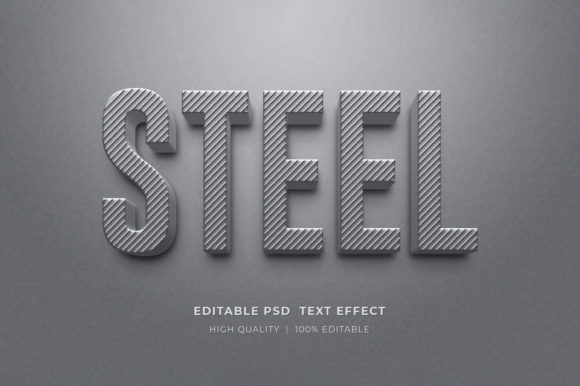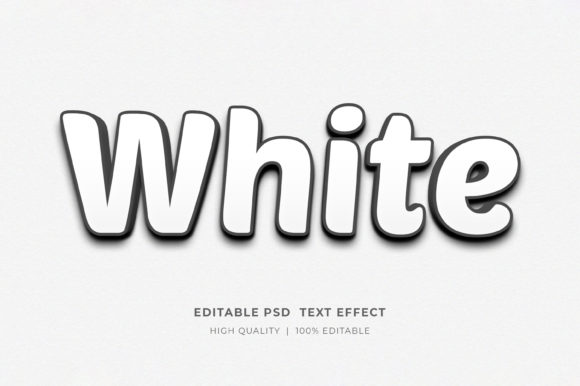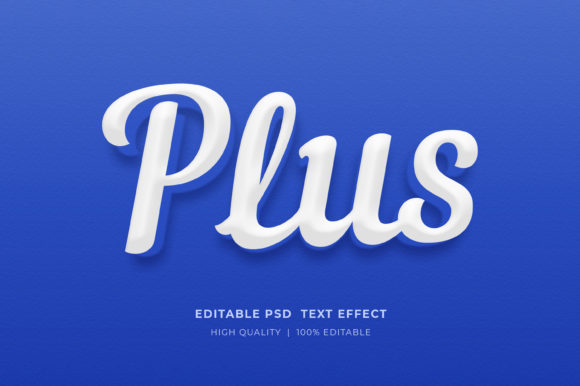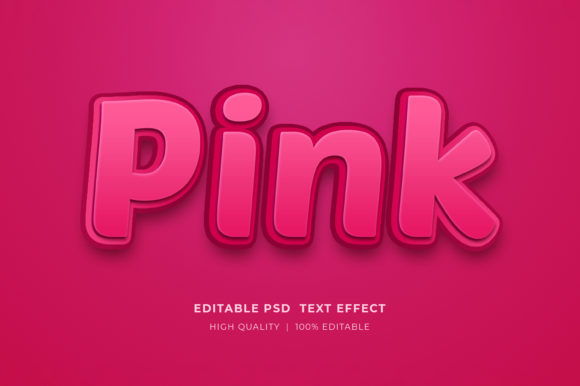
Mastering the Active 3D Editable Text Style Effect
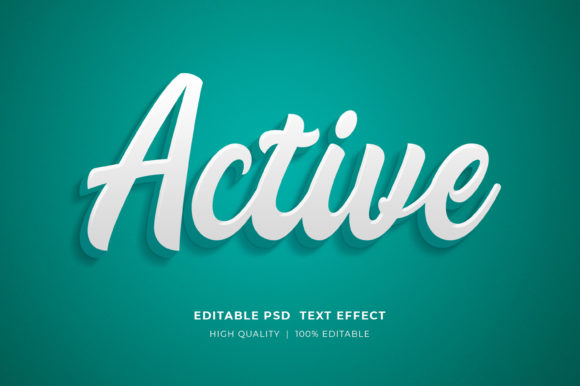
In the fast-paced world of digital design, the difference between a scroll-past graphic and a stop-in-your-tracks visual often comes down to depth and texture. Flat design has its place, but there is an undeniable power in typography that feels tangible, something that looks like it could be reached out and touched. This is where the Active 3D Editable Text Style Effect transforms the workflow for creators. It is not just about making letters look big; it is about infusing them with personality, weight, and professional polish without the steep learning curve traditionally associated with three-dimensional modeling.
For freelancers, small business owners, and marketing teams, time is a currency as valuable as creativity. The ability to generate high-end typographic treatments in minutes rather than hours allows you to focus on the message rather than the mechanics of rendering. Whether you are crafting a bold headline for a YouTube thumbnail, designing a merchandise line for a Print-on-Demand store, or assembling a corporate presentation, this effect provides a versatile foundation that adapts to your specific brand voice.
Why Depth Matters in Modern Design
Visual hierarchy is the backbone of effective communication. When a viewer lands on a flyer, a website banner, or a social media post, their eyes need to be guided immediately to the most important information. Three-dimensional text naturally commands attention because it mimics the physical world we inhabit. Shadows, highlights, and extrusion create a sense of realism that flat colors simply cannot achieve on their own.
The Active 3D Editable Text Style Effect leverages this psychological trigger. By adding dimensionality to your words, you elevate the perceived value of the content. A book cover with embossed, 3D lettering suggests a premium product. A t-shirt design with textured, layered text feels more like streetwear art than a basic print. This tool allows you to tap into that premium aesthetic instantly. It bridges the gap between amateur experimentation and professional execution, ensuring that your projects stand out in crowded marketplaces like Amazon KDP, Etsy, or Facebook Ads.
Unlocking Creative Possibilities Across Industries
The true strength of this resource lies in its adaptability. Because the file is built using smart objects within Adobe Photoshop, it serves as a chameleon for various industries. You are not locked into one specific look; instead, you have a robust framework that responds to your creative direction.
- Digital Marketing & Social Media: Create eye-catching Facebook timeline covers or Instagram story highlights. The high-resolution output ensures your text remains crisp even on retina displays, while the 3D effect stops the endless scroll.
- E-Commerce & POD: For those running Print-on-Demand businesses, this effect is a game-changer. Apply it to t-shirt designs, hoodie graphics, or mug wraps. The ability to change colors means you can offer the same design in multiple variations to test what sells best without starting from scratch.
- Publishing & KDP: Book covers need to pop in a digital thumbnail size. Using a 3D editable style for your title can make your self-published novel or non-fiction guide look professionally typeset, increasing click-through rates.
- Corporate Branding: Use the effect for logo presentations or pitch decks. A subtle 3D extrusion on a company name can add a layer of sophistication and stability to a brand identity.
- Event Promotion: From concert flyers to webinar banners, bold 3D text sets the tone for the energy of the event. It conveys excitement and importance before the reader even processes the date and time.
Streamlining Your Workflow with Smart Objects
One of the most frustrating aspects of complex design templates is the difficulty of customization. Many files require digging through dozens of unnamed layers or adjusting obscure settings to get a simple result. This 3D Editable Text Style Effect Mockup eliminates that friction through a well-organized structure centered on Smart Objects.
The process is designed for efficiency. You do not need to be a Photoshop expert to utilize this tool. The workflow is intuitive: simply locate the smart object layer, double-click it, and a new tab opens. Here, you select the type tool, click the existing text, and input your desired wording. Once you save that smart object file, the main document automatically updates, applying all the complex lighting, shadow, and texture calculations to your new text instantly. This non-destructive editing method ensures that you can experiment with different copy lengths and fonts without breaking the design integrity.
Furthermore, the file organization supports a clean workflow. Layers are logically named and grouped, allowing you to isolate specific elements if you wish to tweak the background or adjust the position of the text independently. Whether you are working in RGB for digital screens or preparing files for high-resolution print, the setup accommodates your needs seamlessly.
Tailoring the Aesthetic to Your Audience
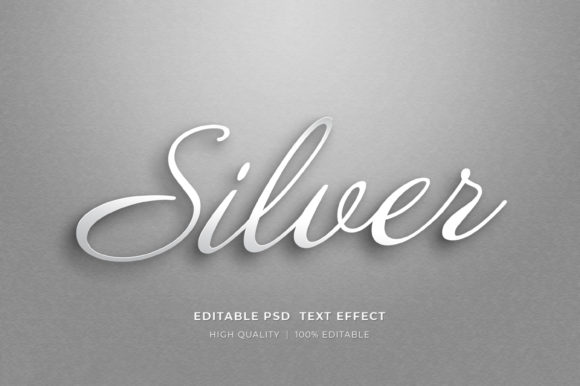
While the effect provides the structure, you provide the style. The "Active" nature of this template means it is ready to be molded to fit diverse audiences. A financial consultant might prefer a sleek, metallic silver finish with sharp edges to convey trust and precision. Conversely, a children's book author might opt for rounded, colorful, candy-like textures that feel playful and inviting.
To keep your results effective and audience-friendly, consider the context in which the design will be viewed. For web banners, ensure there is sufficient contrast between the 3D text and the background so readability is never compromised on mobile devices. For print templates like posters or flyers, take advantage of the high-resolution capabilities to incorporate fine details like noise textures or fabric weaves that add tactile interest.
Consistency is key when building a brand. If you use this effect for a logo presentation, try to maintain similar lighting angles and color palettes across your other marketing materials. This creates a cohesive visual language that helps customers recognize your brand instantly. The editable color features allow you to match your exact brand hex codes, ensuring that your 3D elements align perfectly with your existing style guide.
Getting Started: Technical Essentials
Accessing these creative tools is straightforward, but proper setup ensures the best experience. The files are delivered in a compressed zipped format to facilitate easy downloading. To begin, simply right-click on the zip folder on your computer and select "Extract Here." This will unpack the contents, revealing the PSD working file ready for Adobe Photoshop.
It is important to note that this is a working file requiring Adobe Photoshop. The smart object technology relies on Photoshop's rendering engine to generate the 3D look. Once extracted, you can dive straight into creating. The file includes one primary PSD, but its versatility makes it feel like a suite of tools. Because the layers are well-organized, even users who are new to Photoshop can navigate the interface with confidence.
If you encounter any hurdles during the extraction or editing process, support is available. Reaching out through the profile page ensures you can get the help needed to keep your projects moving forward. Additionally, sharing your experience by rating the design helps the creator understand what works well for the community, inspiring the development of even more useful resources in the future.
Elevating Your Visual Storytelling
Ultimately, tools like the Active 3D Editable Text Style Effect are about empowerment. They remove technical barriers, allowing you to focus on the story you want to tell. Whether you are an educator creating engaging slide decks, a blogger designing header images, or an entrepreneur launching a new product line, the quality of your visuals directly impacts how your message is received.
By integrating professional-grade 3D typography into your repertoire, you signal to your audience that you care about quality. You move beyond generic templates and start creating assets that feel custom-crafted. The ability to iterate quickly—changing text, swapping colors, and testing variations—means you can refine your ideas until they are perfect. Embrace the depth, play with the lighting, and let your words take up space in the most compelling way possible.